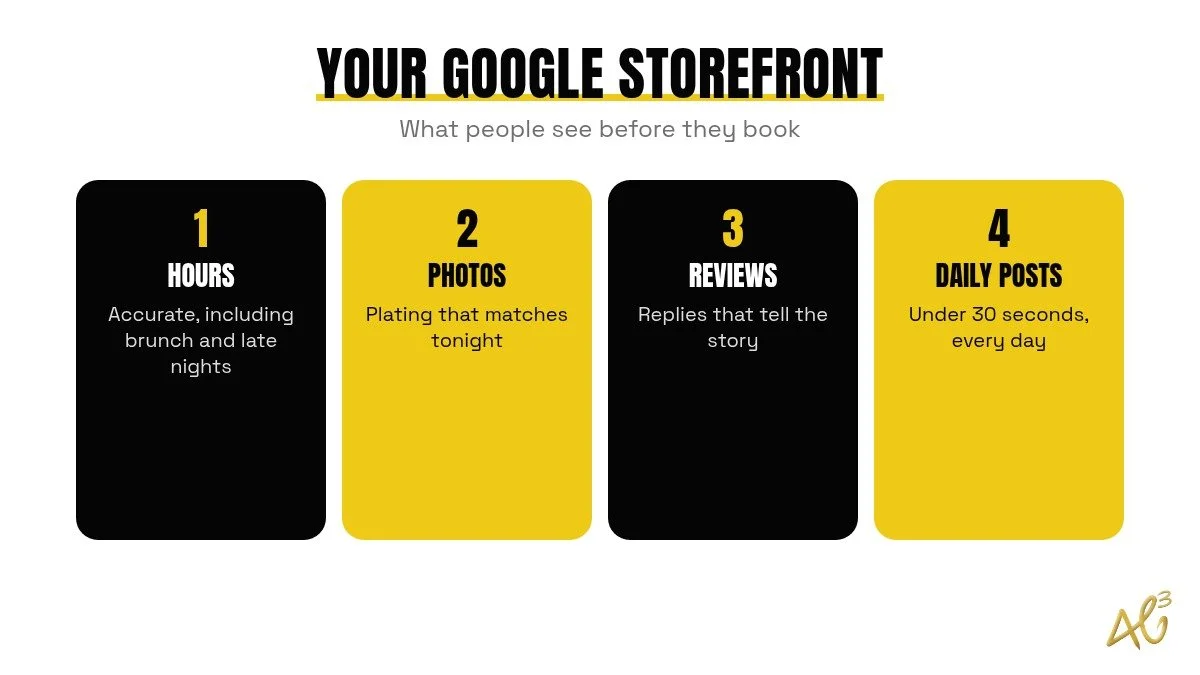
Your Google Business Profile is the storefront window people see before they ever walk in. Your hours, photos, reviews and recent posts help them decide whether to call you or keep scrolling.
A lot of Miami restaurants put their energy into Instagram and leave Google half-finished. That gap is where reservations slip away.
Who this is for: Restaurant owners in Brickell, Coral Gables, Wynwood, Little Havana, Hialeah, Doral, Miami Lakes and greater Miami who want to know what real Google Business Profile management includes.
Why Restaurants Lose Bookings on Google
People search "restaurants near me," a type of food, or your neighborhood. Google and Maps show a short list, and your profile is your first pitch. (Our local guide to restaurant marketing in Miami walks through every place people check before they pick a table.)
These are the gaps we see most often:
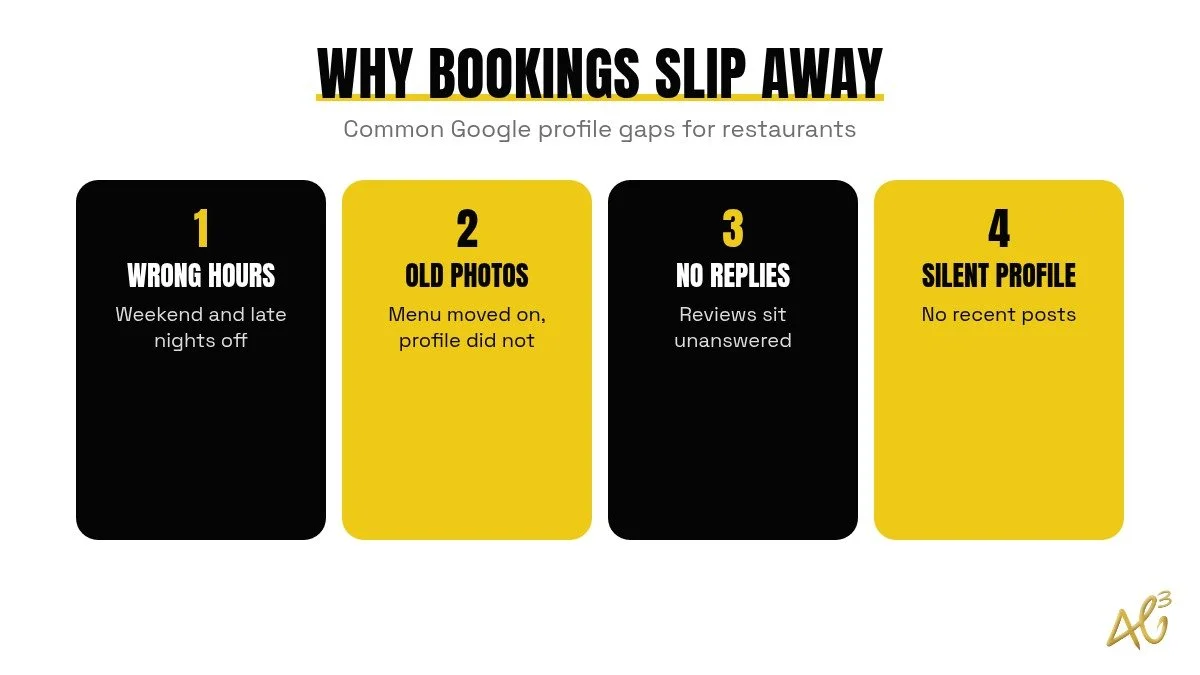
Missing or wrong hours, especially weekend brunch and late nights
Old food photos that don't match the menu anymore
Reviews with no reply, or a one-line "thanks"
No recent posts, so the profile feels forgotten
Instagram can earn the follow. Google often earns the reservation.
What Done-For-You GBP Actually Includes
Done-for-you Google Business Profile management isn't a one-time cleanup. It's ongoing work that sits next to your social media, video, website and SEO.
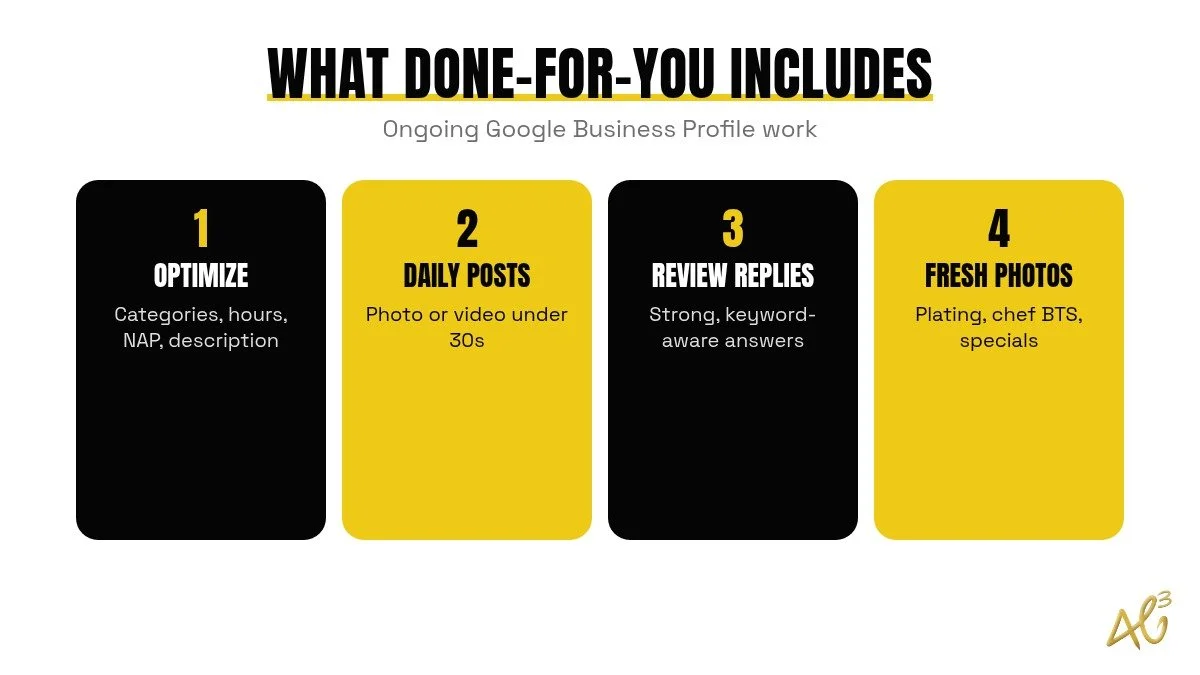
Full optimization. The right categories, services, hours, description and attributes, with your name, address and phone matching your website everywhere.
Daily posts. One photo or a video under 30 seconds every day, with a short caption that names the dish, the occasion or the neighborhood.
Review replies. Every review answered within a day or two, with a reply that names what they ordered, the experience and your location.
Fresh photos. Plating, the kitchen, the dining room and the specials, so the profile looks like tonight and not last year.
Why it pays off: Many restaurants put all their effort into Instagram and only touch Google when something breaks. Keeping your profile current every week helps you stand out in the short list people see on Maps.
Daily Posts That Help a Miami Restaurant
Keep each post short: one clear photo or a clip under 30 seconds. Rotate your ideas so the profile stays active for Brickell lunch searches and Wynwood dinner plans alike.
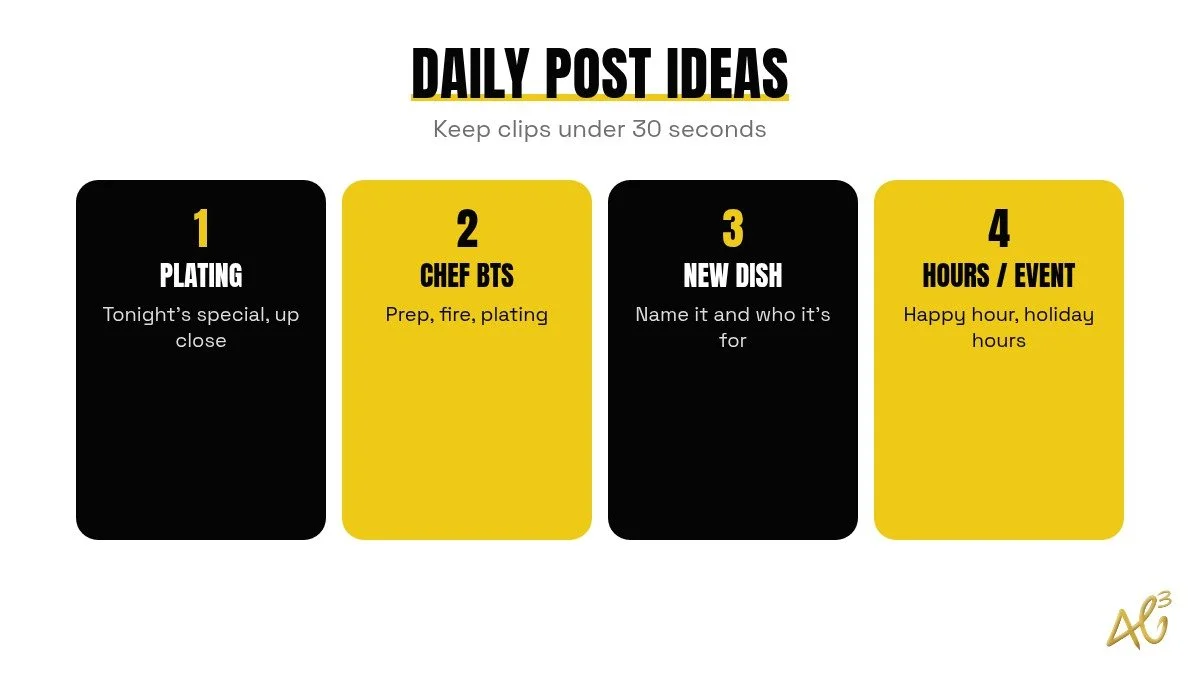
Plating close-up. Tonight's special, plated and lit the way it looks at the table.
Kitchen behind the scenes. Prep, the grill or plating, 15 to 20 seconds.
New dish or seasonal item. Say its name and who it's for: date night, a family to share, brunch.
Hours or an event. Happy hour, live music or holiday hours, so nobody has to guess.
A photo or a short video every day keeps your profile from looking forgotten.
How to Reply to Reviews the Strong Way
"Thank you so much" with a heart doesn't do much. A strong reply tells the next guest (and Google) what you serve, where you are and how you take care of people.
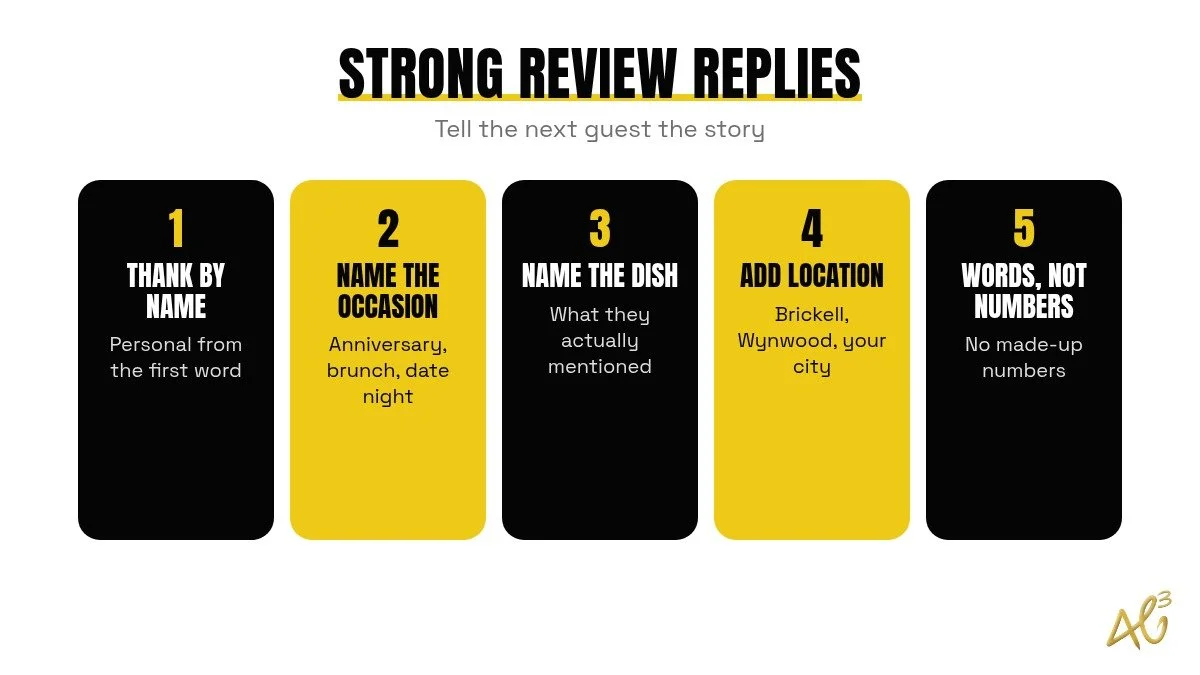
Use this order every time:
Thank them by name
Name what they came for (an anniversary, brunch, a birthday dinner)
Name the dish or the part of the experience they mentioned
Mention your neighborhood or city where it fits naturally
Describe the experience in words, never with made-up numbers
Close warmly and invite them back
Only use details they already shared in their review. Keep it human.
A Simple Weekly Rhythm If You DIY for Now
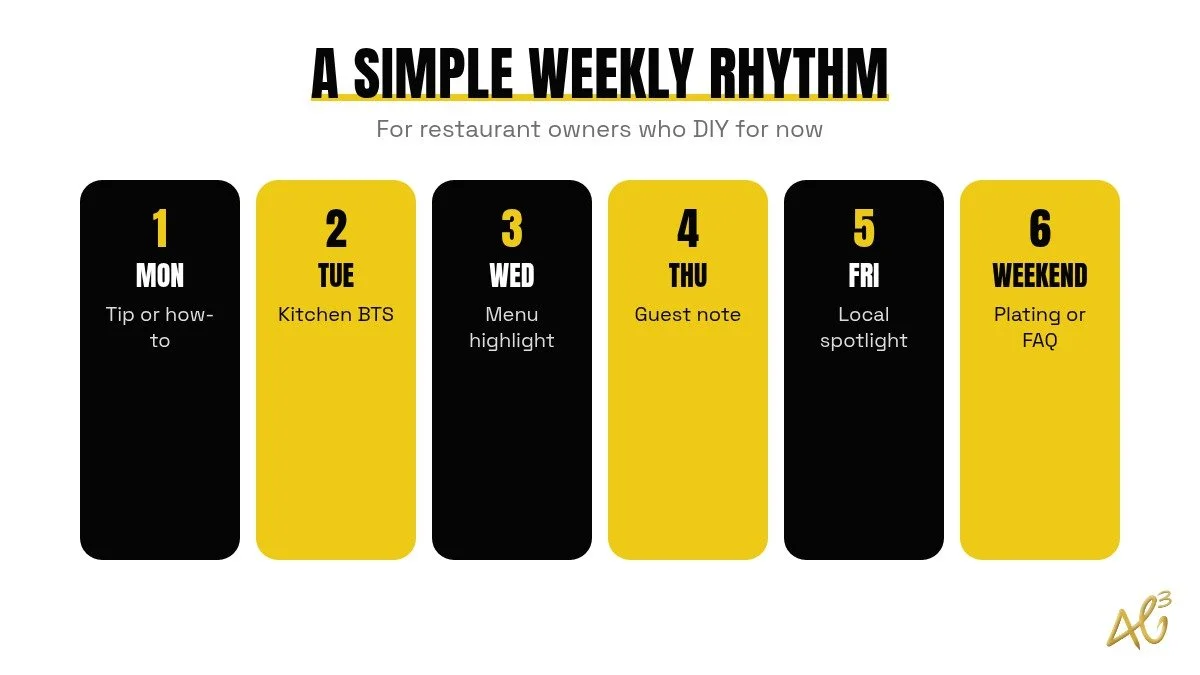
You don't need a huge calendar to start. Protect a small streak.
Monday: a tip or how-to (how to book, what to order for a group)
Tuesday: behind the scenes in the kitchen
Wednesday: one menu or service highlight
Thursday: a guest note (with permission) or a review reply you're proud of
Friday: a local spotlight (weekend energy in Little Havana, date night in Coral Gables)
Weekend: a plating showcase or an FAQ (parking, reservations, dietary needs)
Every day: check new reviews and reply within 24 to 48 hours
Small and steady beats one big content dump followed by a month of silence.
If you're thinking about getting help with this, here are the questions to ask before hiring a social media manager for your restaurant.
Want Help Running Google Like a Storefront?
You run the kitchen and the floor. My agency can run the profile, so people find a clear, current picture of your restaurant.
AG3 Marketing is a full-service marketing agency in Miami: social media, short-form video, Google Business Profile, SEO, paid ads, websites and graphic design. Every plan is built around your business. See everything on our Services page.
Book a call with me, Ari, to talk through your restaurant's goals and explore your options. If it feels like the right fit, we talk about working together.
No pressure, no hard sell.